
The 4 best padel King or Queen of the Court apps
Four tools for moving winners up and losers down, tested against both an eight-player booking and an awkward ten-player turnout.
GuidesBy PadelFormat Editorial TeamPublished 10 min read
If ten players turn up for two courts, use PadelBracket. It was the only tool I tested that put two players in a challenger pool and rotated them back in. If you have exactly eight players and want fixed pairs, timed rounds and a clear finish-time check, PadelFormat is my pick. PadelFormat is our own tool, and we have placed it second.
Key takeaways
- Decide whether partners stay together or rotate before you pick an app.
- Exact multiples of four are easy. Ten players on two courts need a fair rest system, not wishful arithmetic.
- Tell the group what decides the winner. Some tools use the final court. Others also track points or times on the top court.
- Test an old-score correction before the event. Changing a winner can change every later court.
On this page
King and Queen of the Court apps at a glance
| App | I’d use it for | Main trade-off |
|---|---|---|
| 1. PadelBracket | An awkward headcount where extra players need fair rests and a challenger pool | Its King of the Court flow is built around rotating players, not fixed pairs. A few controls also remained in Dutch during my English-browser test. |
| 2. PadelFormat | Exactly four players per court, with fixed or rotating partners, timed rounds and a booking-length check | It has no bench. If the player count does not fit the courts exactly, you must use fewer courts or another format. |
| 3. PadelFlow | Free solo or fixed-team play that can run in a browser or native app and is documented for offline sessions | It also requires four players per court and uses a fixed 24-point scoring model. |
| 4. CourtTable | A regular club organiser who wants native apps, reusable players, a public page and TV view | Tournaments are paid, the organiser needs the native app, and I found no official offline claim. |
1. PadelBracket for ten players and two courts
PadelBracket is the best choice here when the numbers refuse to divide by four. Its official King of the Court page documents a challenger pool for spare players. Winners move up, losers move down, and resting players rotate back in. The tool is free, needs no account and can work offline after loading.
I tested ten dummy players across two courts. The preview showed nine rounds, two resting players per round and an estimate of about 135 minutes at the default settings. After I started the local event, the first round placed eight players on court and Devon and Harper in the challenger pool.
I entered 17–15 on the King Court and 14–18 on court two. Round two brought Devon and Harper back, moved Finley and Gray to the pool, and rebuilt both matches. The standings showed court movement, points and times on the King Court. CSV and print/PDF controls were visible. I did not export or share anything.
That is a real winning use case. Ten players often become eight playing and two leaning on the glass while somebody invents a rest order. PadelBracket makes that order part of the draw.
The privacy policy says unsigned-in events stay in browser local storage unless you use Share. Sharing sends player names and scores to its Supabase database under a random code. PadelBracket is maintained by Danny de Vis. PadelBracket privacy policy
The main limitation is partner choice. The documented King of the Court setup is for rotating individual players. If Alex and Blair arrived as a team and expect to stay together, PadelFormat or PadelFlow gives you that switch. In my English-browser test, a few controls also appeared as “Terug”, “Meer opties” and “Schudden”. I could still complete the event, but I would open it before the group arrives.
2. PadelFormat for timed rounds and score corrections
The PadelFormat King or Queen of the Court generator is free, runs in a browser and needs no account. You can choose fixed pairs or rotating partners, set the round length and breaks, and see the estimated total time before starting. The same rules cover King and Queen of the Court. You only change the event name.
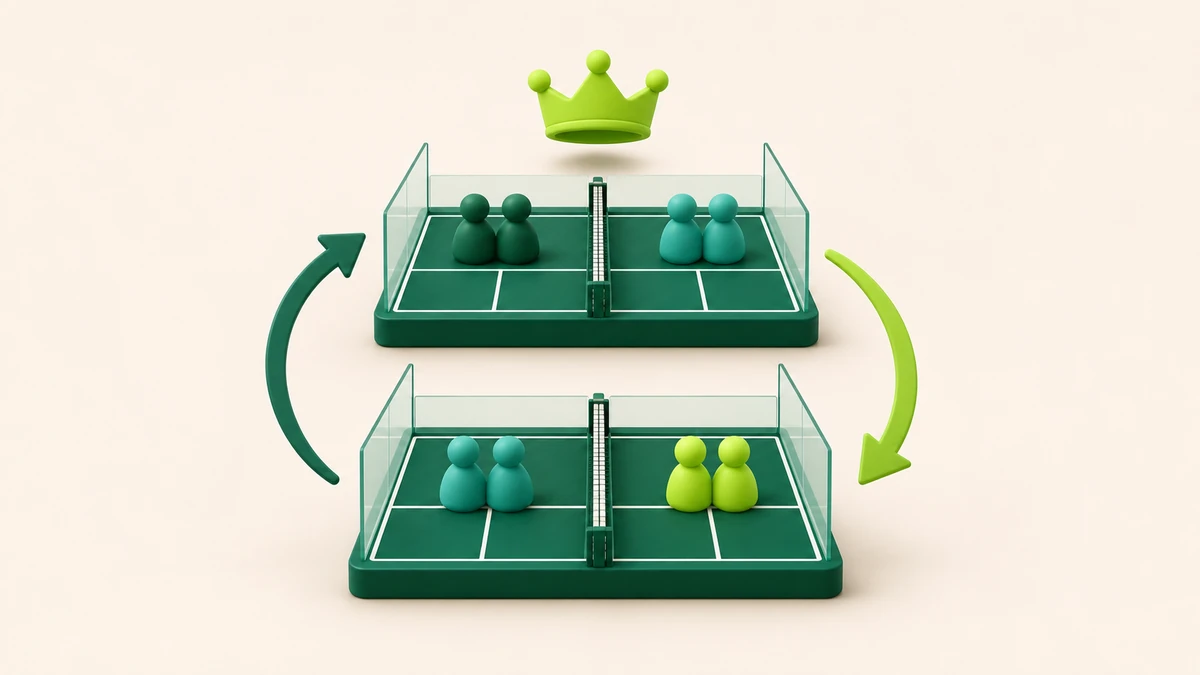
The tool keeps four players on every court. Winners move up one court, losers move down, top-court winners stay and bottom-court losers stay. With rotating partners, each arriving pair splits for the next match. With fixed pairs, the team stays together.
I tested eight players on two courts for four 15-minute rounds with two-minute breaks. The estimate was 1 hour 6 minutes:
4 × 15 minutes + 3 × 2 minutes = 66 minutes
Round one put Alex and Blair against Casey and Devon on court one, with Ellis and Finley against Gray and Harper on court two. I entered 12–8 and 6–10. Round two kept the first winning pair on the top court, moved Gray and Harper up, dropped Casey and Devon, and split the pairs as promised.
The correction test mattered more. I reopened the 6–10 result and changed it to 11–5. Saving would have changed the winner, so PadelFormat warned that round two had been drawn from the old result and would be removed before a redraw. I cancelled. The original score and round two stayed untouched.
That confirmation is the reason I would use PadelFormat for a booking with exact numbers. A wrong score is easy to type. Silently keeping later matches that depend on it would be worse.
The trade-off is strict capacity. Eight players need two courts, twelve need three and sixteen need four. There is no substitute bench or bye. One organiser enters results. CSV, print and a read-only live scoreboard are available, but I did not create a public link or test off-network use.
3. PadelFlow for offline sessions and fixed teams
PadelFlow supports King and Queen of the Court as solo players with rotating partners or as fixed teams. The vendor documents one to eight courts, up to 32 players and offline sessions. It runs in a browser and has iPhone, iPad and Android apps. The Apple listing names Johannes Horn as the developer, while Google Play lists Johannes Horn Software.
Sessions are free. PadelFlow’s current pricing page says you can run them without a card, trial or subscription. Local sessions stay on the device. Synced groups need an Apple or Google account. PadelFlow pricing
Its scoring model is specific. A match contains 24 total points. A 12–12 score goes to a deciding point, so the result becomes 13–12. The next round appears only after every court result is in. Winners move up and losers move down.
This is the best fit if you like that scoring rule and want to choose between a browser and native app. It also gives fixed teams a clear route that PadelBracket’s individual King format does not document.
The limit is the same awkward arithmetic: no bench, and the player count must be a multiple of four. You also accept 24-point matches rather than choosing any timed score. I verified these facts on PadelFlow’s official pages and app-store listings. I could reach its mode screen in the browser but not complete a test event, so I am not claiming a hands-on offline result.
4. CourtTable for a club that runs this every week
CourtTable is a native iPhone, iPad and Android product from GAVA Group AB. Its Winners Lane format covers King of the Court for 8 to 64 players. The organiser enters scores in the app. Players can follow a public web page or a TV view without installing it.
The stronger reason to choose CourtTable is repeat work. It has a reusable private player directory and more than 15 formats across padel and other racket sports. If you organise club nights every week, avoiding the same name entry matters more than winning a one-off free-tool comparison.
CourtTable also fits a venue where one organiser controls the event and everybody else only needs the view. A QR code can open the public page. The native app and web audience split is sensible for a club screen.
The trade-off is price and device dependence. Single matches are free, but tournaments need an Organizer or Manager subscription, or a one-event Quick Game. Exact prices vary by region, so I have left them out. The vendor says its anonymous account is tied to the device and cannot be recovered if the app is deleted. I did not install it or buy a tournament, and I found no official offline claim.
What the checked fixtures tell you
The headcount changes the choice before any feature list does.
| Booking | Calculation | Practical choice |
|---|---|---|
| 8 players, 2 courts | 8 ÷ 4 = 2 full courts | PadelFormat if you want timed rounds and a pre-start finish estimate. PadelFlow if its 24-point model suits the group. |
| 10 players, 2 courts | 8 play, 2 rest | PadelBracket, because the challenger pool makes those rests part of the draw. |
| 12 players, 3 courts | 12 ÷ 4 = 3 full courts | Any of the four can fit. Choose fixed or rotating partners, scoring and sharing next. |
For my eight-player booking, four 15-minute rounds plus three two-minute changes take 66 minutes. On a 75-minute court booking, that leaves nine minutes for the briefing and late arrivals. On a 60-minute booking, it does not fit. Shorten the rounds before you start rather than discovering that court four has another group waiting.
For ten players, two courts can only hold eight. The choice is a fair rotating bench, fewer players or another format. An app cannot make a third court out of good intentions.
What would I pick for this booking?
For eight friends, two courts and 75 minutes, I would use PadelFormat with rotating partners, four 15-minute rounds and two-minute changes. I would tell everybody that the final court position decides the result, not the total points across the night. I would also enter one pretend result and open the correction screen before the booking.
For ten players and two courts, I would use PadelBracket. The challenger pool answers the hard question before round one: who rests now, and when do they come back?
For fixed pairs who want to stay together, I would choose PadelFormat or PadelFlow. For a paid club programme with saved players and a TV, I would price CourtTable against the time it saves each week.
Run the checked eight-player setup in PadelFormat: two courts, four rounds, 15 minutes and two-minute changes. If the numbers do not divide by four, use the tournament planner before promising everybody equal court time.
Questions organisers still ask
Do King and Queen of the Court need different apps?
No. The movement rules can be identical. Use the name your group prefers and state the house rules before play.
Should partners rotate?
Rotate partners when you want an individual winner and a more social mix. Keep fixed pairs when teams arrived together or are preparing for competition. Do not switch halfway through.
Who wins the event?
That depends on the tool and your house rules. PadelFormat ranks the final confirmed court position. PadelBracket shows the final court plus points and times on the King Court. Explain the order before the first ball.
What happens if an old score was wrong?
Check whether the correction changes who won. If it does, later courts may have been built from the wrong movement. A safe tool should warn you, then redraw or let you cancel.
How we checked the tools
On 15 November 2026 I used dummy names in PadelFormat and PadelBracket in a browser. I created no accounts, sent no invitations and switched on no public sharing. PadelFormat’s correction warning was tested and cancelled before it removed a later round. PadelFlow and CourtTable facts are marked from official product, help, pricing and app-store pages because I did not complete a native-app test. No court test, paid plan, export download or off-network result is claimed.
Sources
- PadelBracket King of the Court and privacy policy
- PadelFormat King or Queen of the Court generator
- PadelFlow King of the Court, tournament generator and pricing
- CourtTable product page and official app-store listings